
Please visit the provided Link scroll down, and download the APK. Thank you.
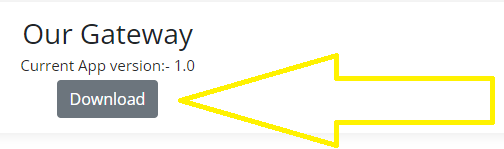
Step 1:Install the SMS Gateway Application on Your Android Device
Begin by installing the SMS gateway application on the Android device that you have designated as your gateway.(Ensure to grant the permission.)
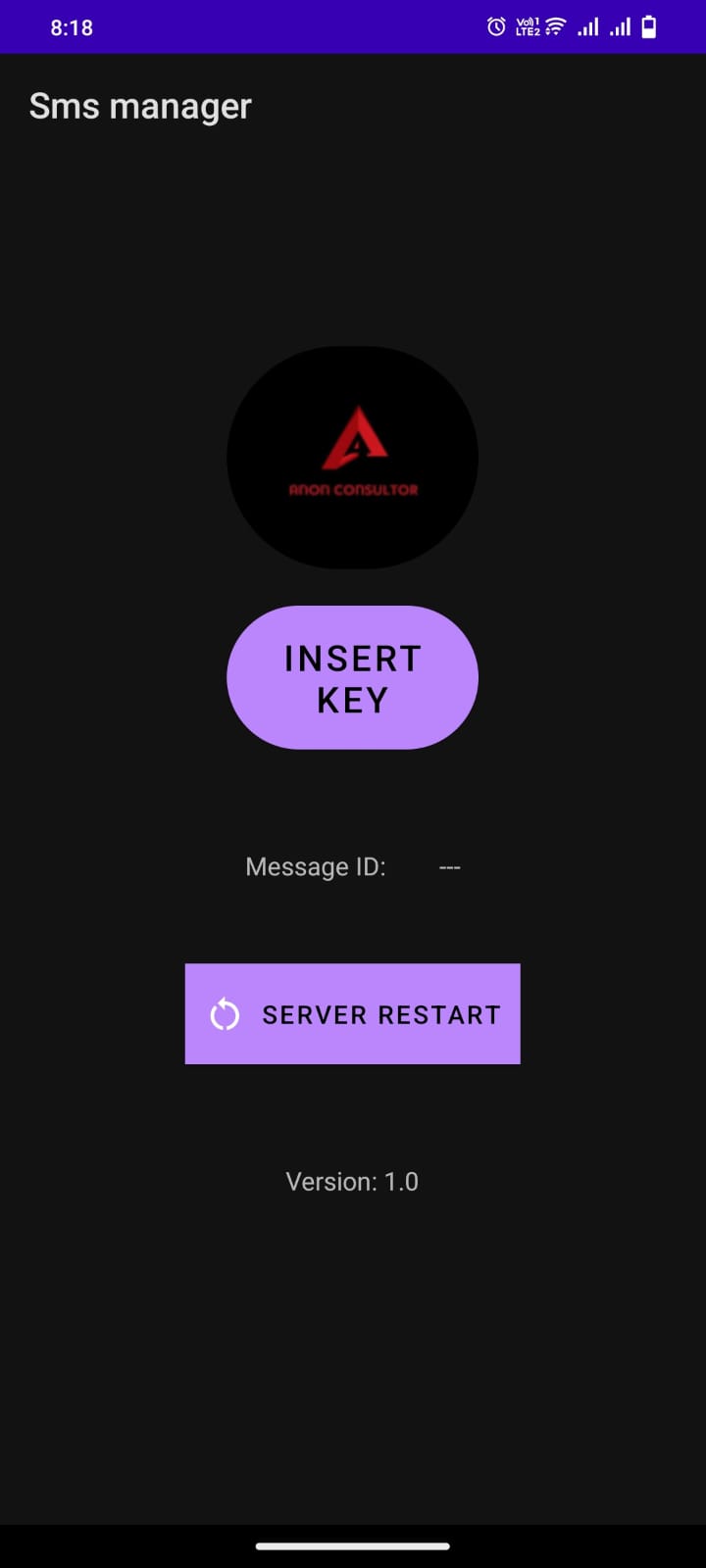
Step 2: Copy and Paste Your API Key
Retrieve your API key from our website and locate the "Insert Key" option and paste your API key there.

Step 3: Once you have inserted the API key, the gateway application will automatically restart. A toast message will appear, welcoming you and displaying your name.
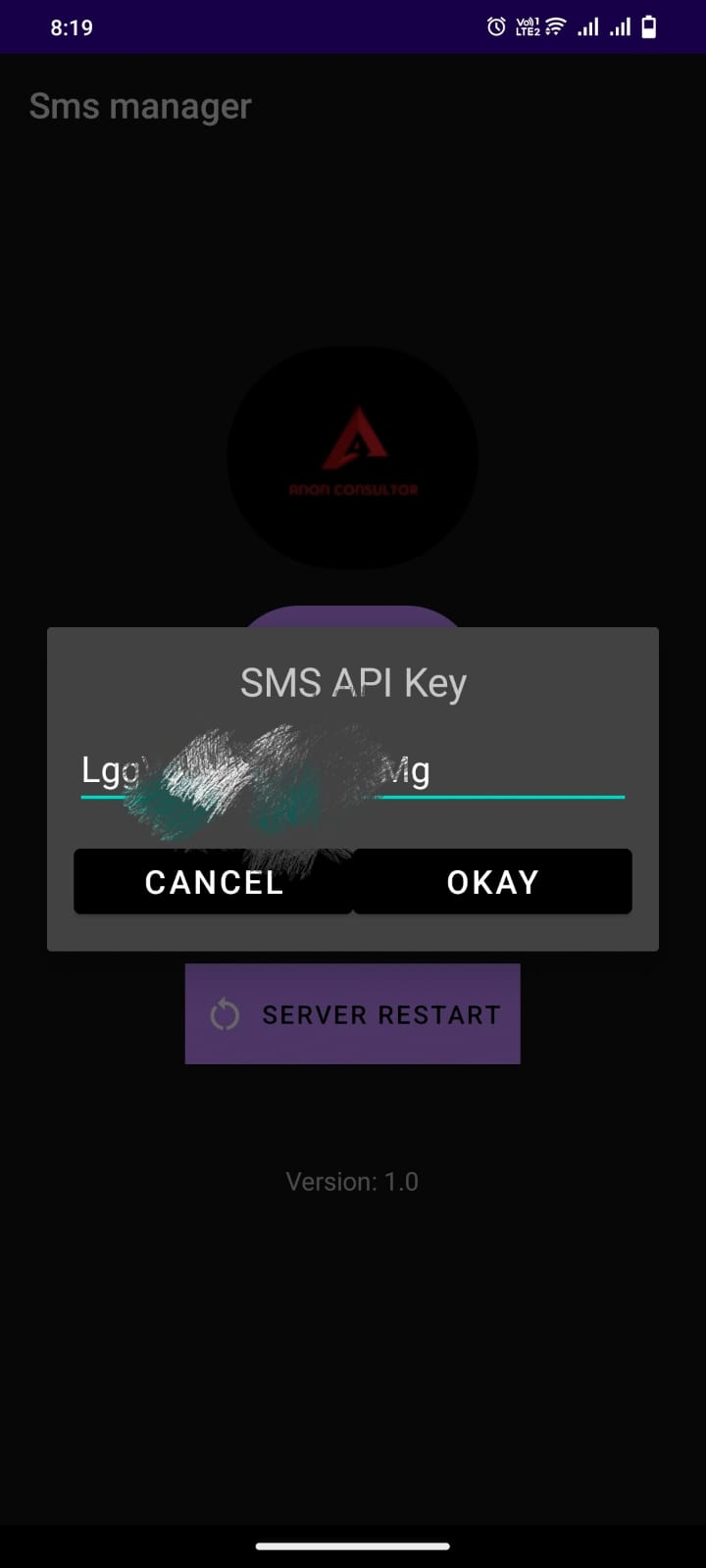
Step 4: Test SMS Sending
To ensure the proper functioning of the gateway, perform a test by sending an SMS from our website to the gateway application.
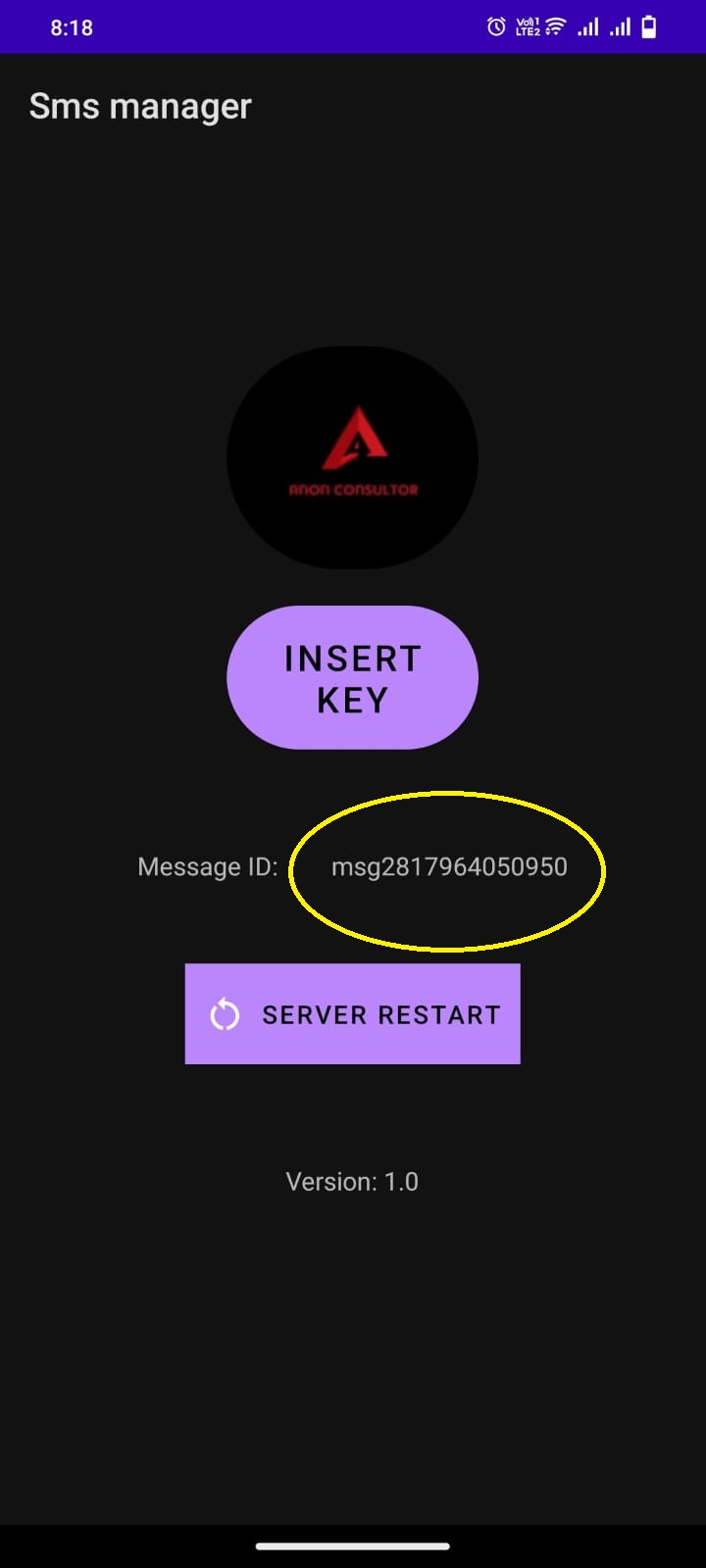
Step 5: Verify Success Result
Upon successful transmission of the SMS, the gateway application will display the message ID in the message ID view. This serves as confirmation that the SMS was sent successfully.
Step 6: Keep the Gateway Application Open
For seamless SMS sending, it is important to keep the gateway application open at all times, as it continuously sends SMS messages.
Note: It is crucial to maintain a stable network connection and ensure that the SIM card is inserted in Slot 1 for optimal performance. Failure to do so may result in disruptions to your SMS messaging operations.